Scale Your Employee Monitoring Software with SQL Server Integration
High-performance log storage for large-scale enterprise environments.
For organizations with hundreds of workstations, OsMonitor Employee Monitoring Software offers a high-performance SQL version. Unlike the standard version that uses local files, the SQL version stores all logs in a professional Microsoft SQL Server database. This ensures faster query speeds, better data integrity, and support for years of historical data. The SQL Server Add-on Tool is the bridge that makes this powerful integration seamless and invisible.
1. Automatic First-Run Detection
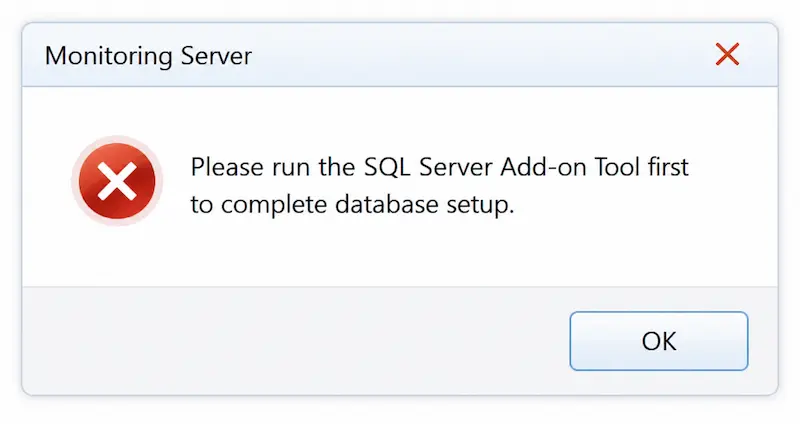
When you launch the SQL edition of OsMonitor for the first time, the server will intelligently detect that the database connection is not yet configured.
- ✓Smart Prompt: A dialog will appear asking to start the configuration tool.
- ✓Auto-Launch: Clicking "Yes" will automatically open the SQL Server Add-on Tool interface.
2. Entering Connection Parameters
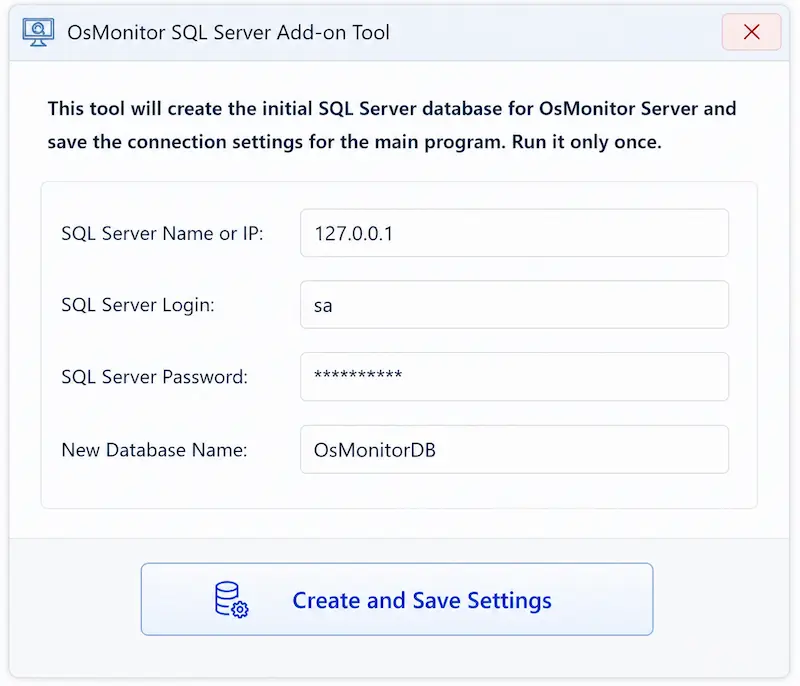
The main configuration interface allows you to define how OsMonitor connects to your SQL database. To link your employee monitoring software correctly, fill in the following fields:
- ✓Database Server: The IP address or Hostname of your SQL machine.
- ✓Database Name: The specific name of the database created for OsMonitor logs.
- ✓Login ID & Password: Your SQL authentication credentials (typically 'sa').
3. Connection Troubleshooting
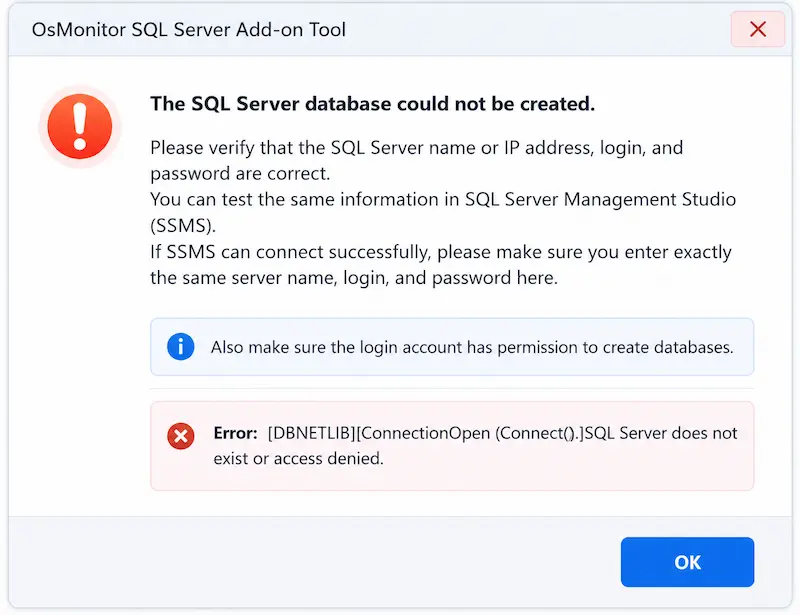
If any parameters are incorrect, or if the SQL Server is unreachable, the tool will provide clear error feedback to help you identify the issue.
- !Error Feedback: Common issues include incorrect IP addresses, disabled SQL authentication, or firewall blocks. Please verify your credentials as shown in the error below.
4. Successful Connection & Background Operation
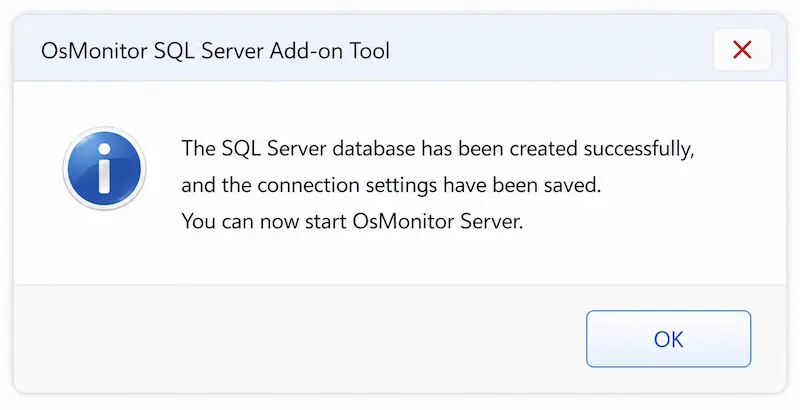
Once you receive the "Success" notification, your setup is complete. The SQL Server Add-on Tool has finished its task.
- ✓Silent Operation: OsMonitor will now interact directly with your SQL database in the background.
- ✓Native Experience: The server console will function exactly like the standard version, providing a seamless monitoring experience.
SQL Server Add-on FAQ
Which SQL Server versions are supported?
OsMonitor supports any version of Microsoft SQL Server, including the free SQL Server Express editions. This allows businesses of all sizes to leverage enterprise-grade storage.
Does it support MySQL?
No. Currently, the SQL version is optimized exclusively for Microsoft SQL Server. MySQL or other database engines are not supported.
Is this tool required for the standard version?
No. This setup is only for the SQL Edition. The standard version of our employee monitoring software uses a built-in local database and requires zero extra configuration.
Ready to Scale Your Business?
Download the SQL Edition or get a free trial to experience enterprise-grade monitoring.
Download Free Trial View Pricing