Centralized Monitoring for Business Computers
OsMonitor is a professional computer monitoring software designed for business PCs. It enables organizations to centrally monitor installed software, running applications, desktop screens, system resource usage, and file operations—all from a single, unified dashboard.
Business Computer Monitoring with Centralized Auditing
Effective computer monitoring software helps businesses keep company computers secure, productive, and easy to audit. By deploying the OsMonitor Client across your network, administrators can monitor multiple business PCs from a single on-premise dashboard and ensure devices follow company usage policies.
OsMonitor provides total visibility by monitoring both user activity and the system itself. This includes real-time screen views, website history, software inventory, running processes, and other records that help businesses understand how company-owned computers are being used.
Comprehensive Monitoring & Asset Protection
💻 Software Inventory Audit
Maintain a live list of installed programs across your network. Identify unauthorized software that could create security risks or licensing problems.
⚙️ Real-Time Process Tracking
Monitor active applications and background processes to detect suspicious activity, unapproved tools, or abnormal PC usage.
📈 System Usage Monitoring
Track CPU, RAM, and disk usage to understand how business computers are being used and to identify systems under unusual load.
🔌 USB & Hardware Integrity
Use our built-in USB device control software to record USB insertion and removal events, review hardware changes, and protect company devices from unauthorized modification.
📂 File Operation Auditing
Maintain a clear audit trail of file creation, deletion, and renaming. Useful for incident investigation and data loss prevention.
🖥️ Screen & Web Oversight
Monitor employee screens in real-time, log visited websites, and use the web filtering software tools to block non-work websites and maintain a focused work environment.
Monitor Employee Computer Activity
OsMonitor helps businesses monitor how employees use company computers during working hours. As a professional employee screen monitoring software, it provides everything from screen visibility to detailed website history and application control for internal oversight and compliance.
For deeper details on screen tracking, website logs, and communication records, explore the core features of our employee activity monitoring software.
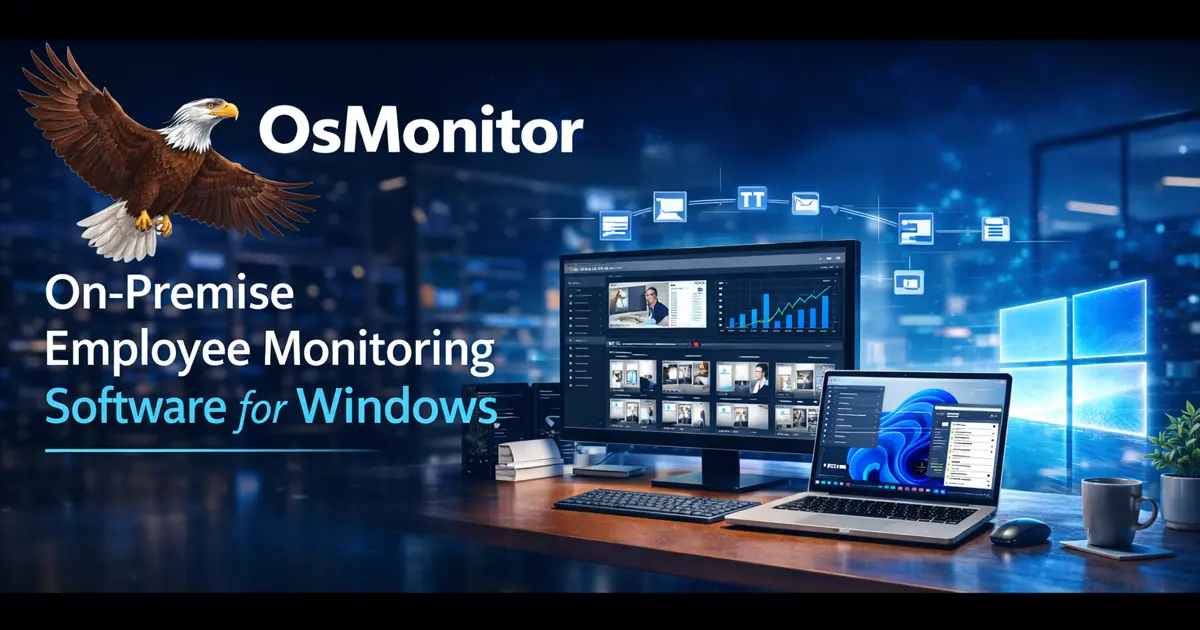
Maintain centralized visibility of business computers from an on-premise management console.
Lightweight, Stable, and Trusted
Business computer monitoring software must be stable enough for daily office use. OsMonitor is engineered for efficiency so that monitoring and auditing do not unnecessarily interfere with employee computers or routine work.
Its lightweight client is suitable for wide deployment across many devices, helping organizations maintain visibility without placing excessive load on system resources.
Furthermore, OsMonitor is tested and whitelisted by leading antivirus providers, helping businesses deploy and maintain the software confidently within professional Windows environments.
Frequently Asked Questions
Computer monitoring software for business helps organizations understand how company-owned computers are being used. It can include monitoring of screens, website browsing, installed software, active processes, system usage, and file operations.
Yes. OsMonitor records real-time network traffic for every monitored PC. You can easily identify which computers are consuming excessive bandwidth, helping you maintain a stable network for critical business tasks.
Yes. Besides disabling USB access, you can configure the software to automatically pop up a custom warning or reminder message to the employee the moment a USB device is detected.
OsMonitor can monitor screens, website browsing, installed software, active processes, system usage, USB activity, hardware changes, and file operations on company-owned computers.
Only authorized administrators can uninstall or change the OsMonitor Client. This helps keep the deployment stable and ensures monitoring settings remain under company control.
Yes. OsMonitor maintains logs of installed software, active processes, USB events, and hardware modifications, giving administrators a clear audit trail for business computers.
Yes. OsMonitor is optimized for modern Windows business environments and supports Windows 7, 10, and 11, as well as Windows Server deployments.
OsMonitor is an on-premise monitoring solution. Monitoring data stays within your own environment instead of being sent to a third-party cloud platform.
Start Monitoring Business Computers with Confidence
See how OsMonitor helps businesses monitor company computers, protect digital assets, and maintain centralized visibility.
Download Free Trial View Pricing