Monitor Employee Screens, Apps, Websites, Chats, and USB with Your Self-Hosted Server
Trusted by businesses globally since 2007.
OsMonitor is a powerful on-premise employee monitoring software strictly built for Windows. From a single manager PC, you can monitor and control all employee computers across your company. It lets you know exactly what your employees are doing every day by tracking their live screens, web browsing, and chat history. More importantly, it allows you to restrict what they cannot do—instantly blocking non-work websites (like shopping or gaming), unauthorized applications, and USB drives. All your data stays securely on your own server, never uploaded to the cloud.
🛡️ Tested and whitelisted by leading antivirus providers, including Microsoft Defender, Avast, Bitdefender, and Symantec.
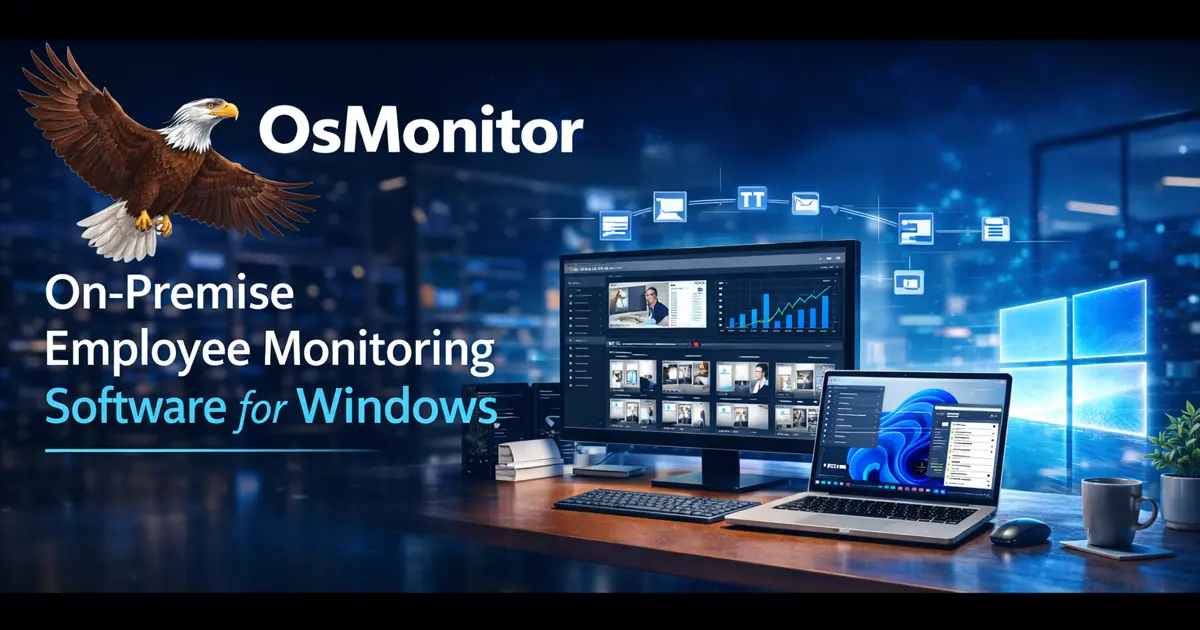
Why Companies Choose On-Premise Employee Monitoring Software
Many businesses prefer on-premise employee monitoring software over cloud-based tools because it gives them greater control over privacy, compliance, and internal data security. OsMonitor is designed for organizations that want to monitor employee computers without sending sensitive logs to a third-party SaaS platform.
If you are monitoring fewer than 50 computers, any regular Windows 10 or Windows 11 PC can run perfectly as your Manager Server. You do not need to configure any complex web services or databases. It is a simple software installation.
- 🔐 Local Data Storage: Monitoring data is stored on your own server inside your company network.
- 🖥️ Windows-Focused Deployment: Designed specifically for Windows PCs and Windows Server environments.
- ⚡ Ultra-Lightweight: At under 6MB, it is exceptionally small and designed to have minimal impact on employee PC performance.
- 📋 Better Internal Control: Ideal for productivity management, internal auditing, and data leak prevention.
- 💵 No Recurring SaaS Fees: Avoid monthly cloud subscriptions and keep long-term costs predictable.
How OsMonitor Works: Manager Server & Employee Clients
OsMonitor uses a simple and stable local deployment model:
- 🖥️ Manager Server: Installed on a manager or administrator PC. In most cases, your company only needs one central server.
- 💻 Employee Clients: Installed on employee computers. The client is lightweight and optimized for daily Windows use.
- ⚙️ Flexible Visibility: Depending on your company policy, the client can run with different visibility settings, including optional tray icon display.
Core Monitoring Features
Everything you need to monitor employee computer activity, improve workplace productivity, and protect company data on your local network. OsMonitor is also widely used as a reliable computer monitoring software solution for companies that want full visibility of employee PC activity.

Real-Time Screen Monitoring & Playback
See exactly what employees are doing on company computers. OsMonitor provides real-time screen monitoring for Windows PCs and lets managers review historical screen activity when needed.
- Multi-Screen View: Monitor multiple employee screens at the same time.
- Screen History Playback: Replay past on-screen actions for auditing and review.
- Live Webcam View: Add visual workplace awareness when required.
- Fast Deployment: Easy to install and simple for managers to use.
Website, Application & Chat Monitoring
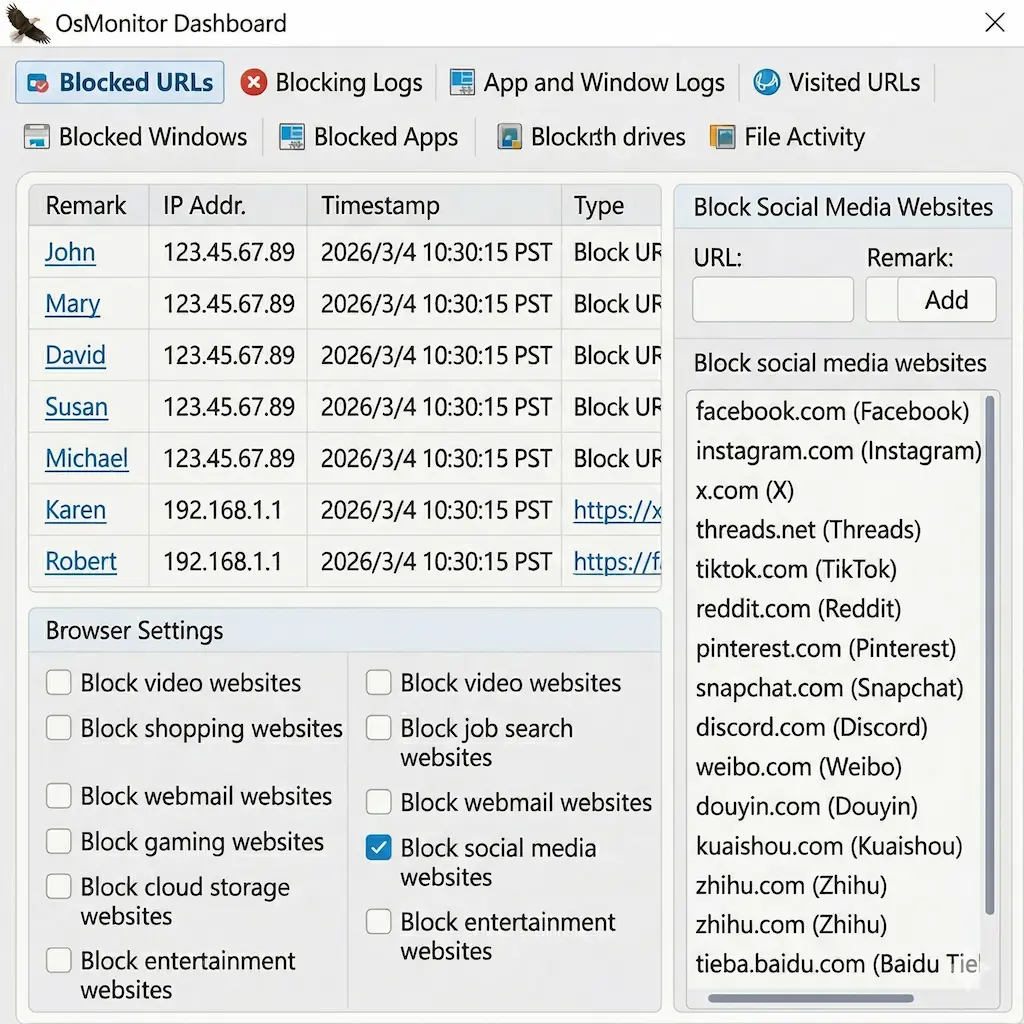
Control how company computers are used during working hours. OsMonitor helps track websites, applications, and chat tools so managers can reduce distractions and enforce acceptable use policies.
- Website Filtering: Block or allow websites based on company rules.
- Application Control: Limit unauthorized software and non-work apps.
- Chat Logging: Monitor WhatsApp, Microsoft Teams, WeChat, Line, Skype, and more.
- Violation Alerts: Receive alerts when restricted websites or apps are opened.
USB Control & Data Loss Prevention
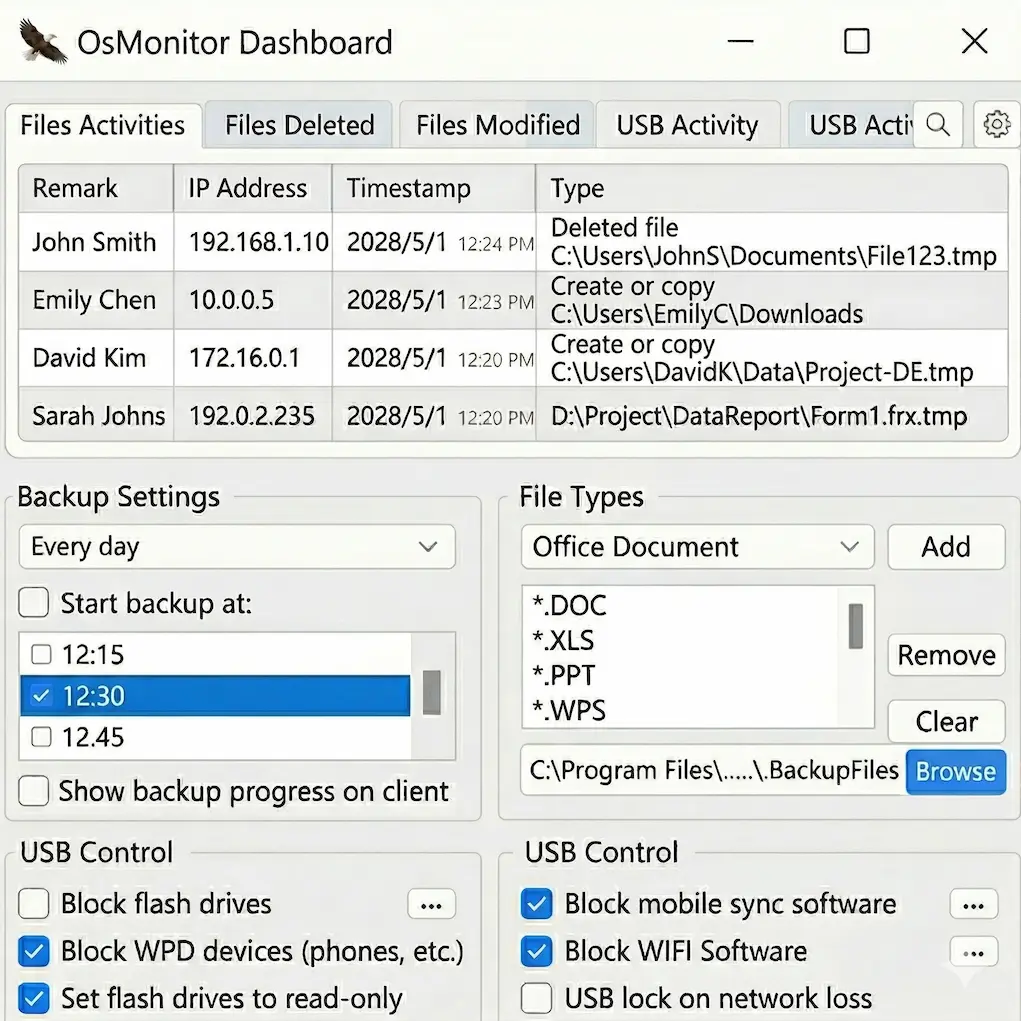
Protect company data from internal leaks and unauthorized transfers. OsMonitor helps businesses monitor file operations, manage USB devices, and keep sensitive information under control.
- USB Device Control: Block unknown USB drives or allow read-only mode.
- File Activity Logs: Record file copy, creation, deletion, and transfer behavior.
- Automatic Backup: Back up important Office files to the server silently.
- Keyword Alerts: Detect suspicious words in chats, filenames, or user activity.
Productivity Reports & Remote Administration
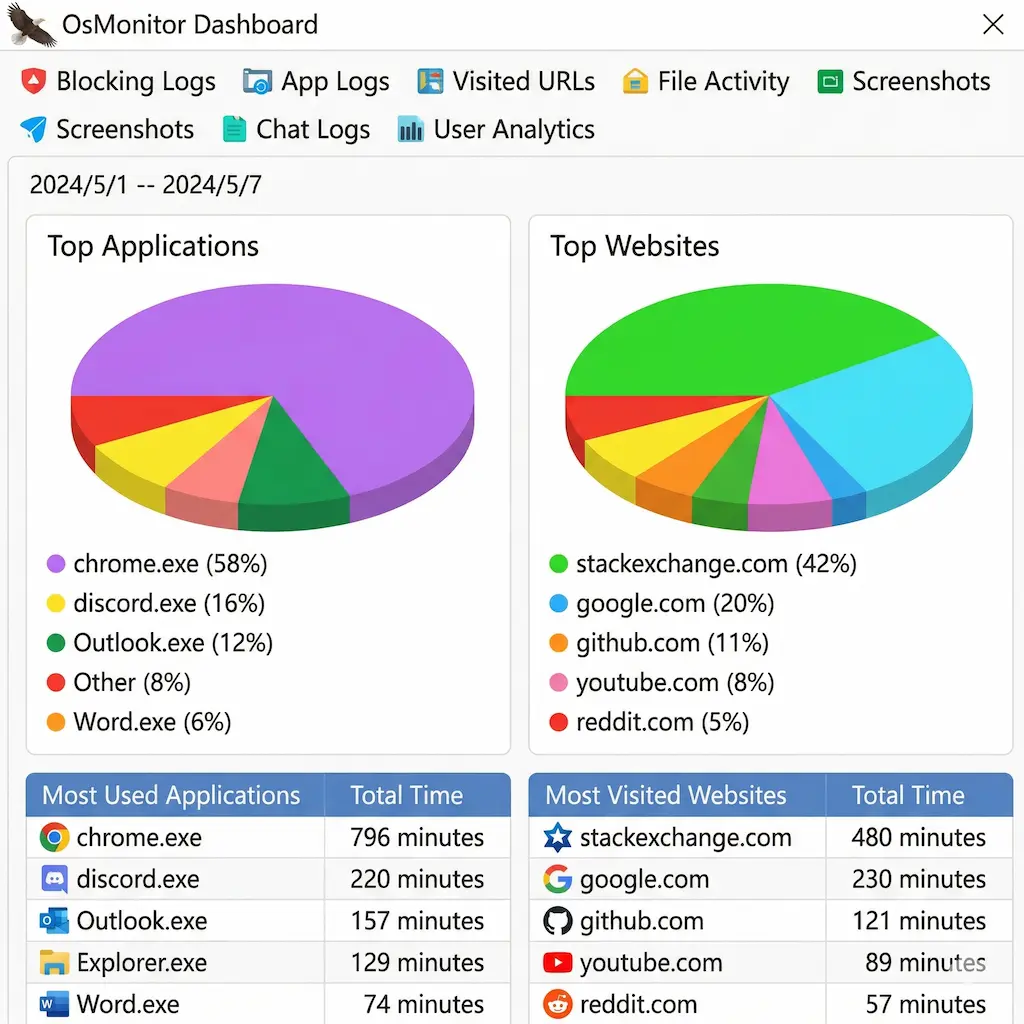
Turn monitoring data into practical management insights. OsMonitor helps you analyze time usage, identify productivity patterns, and manage company computers remotely from one place.
- Time Analysis: Measure time spent on work-related and non-work activities.
- Productivity Reports: Review website and application usage trends.
- Remote Administration: Manage employee PCs remotely when support is needed.
- Role-Based Access: Assign permissions for HR, managers, or IT staff.
Frequently Asked Questions
Is OsMonitor cloud-based?
No. OsMonitor is an on-premise employee monitoring software solution. Your monitoring data is stored on your own server, not in a third-party cloud platform.
Does OsMonitor work on Windows 11?
Yes. OsMonitor is designed for Windows environments, including Windows 11, Windows 10, and Windows Server deployments.
Is OsMonitor suitable for businesses that want local deployment?
Yes. OsMonitor is built for businesses that prefer self-hosted, local-network deployment instead of SaaS-based monitoring tools.
Ready to Monitor Employee Computer Activity?
Download the fully functional free trial today.
✨ Instant Download • No Registration Required • No Credit Card Needed